Mobile Banking Tutorial
For banks and financial institutions guiding customers through mobile banking features, account access, transactions, and digital banking services.
 Rendora Studio |
 2026-09-24 06:47:42
Video Script
Hello, and welcome to NovaBank Mobile. This tutorial takes you from secure account access to everyday payments and card controls, so you can manage essential banking tasks confidently.
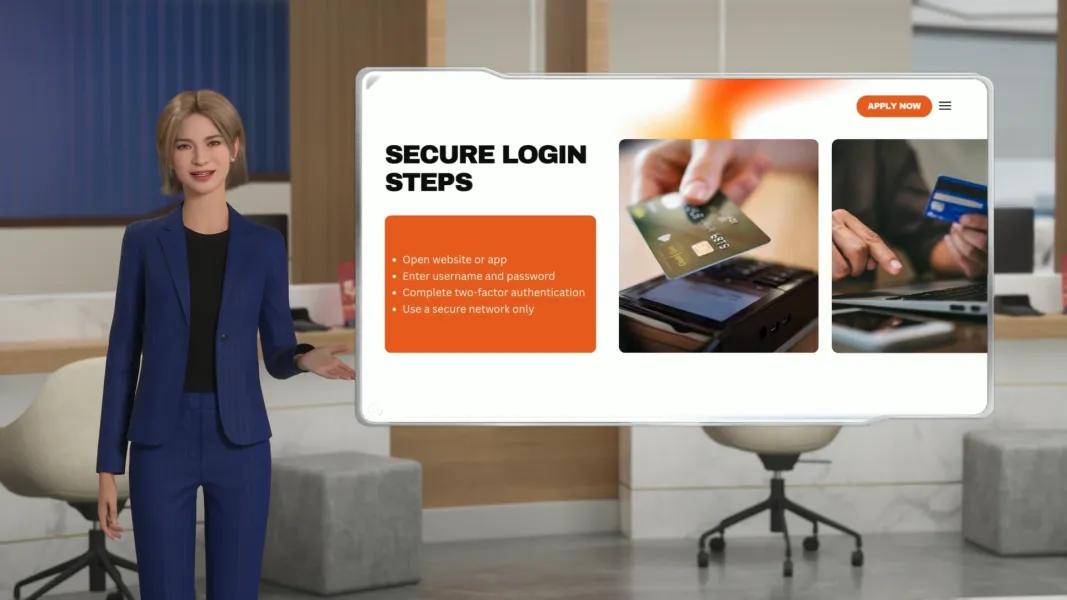
Begin by signing in with your customer number and one-time verification code. Once your identity is confirmed, create a six-digit app PIN and enable fingerprint or facial recognition under Security Settings. These options simplify future access without replacing essential protection, so never disclose your PIN or verification code by phone or email.
To move money, select Transfer and choose your account or a saved recipient. Review the recipient name, amount, and reference before approving the transaction. For regular expenses, open Payments to settle a registered bill and download its receipt. You can then confirm either activity in Transaction History by filtering the records by date, account, or amount.
If your card is misplaced, freeze it immediately under Card Controls. While there, you can also set purchase limits or disable online transactions. Next, activate instant spending alerts under Notifications so unusual activity becomes visible quickly. For further assistance, contact NovaBank through secure in-app messaging.
That’s everything you need to get started with NovaBank Mobile. Thank you for watching, and enjoy a simpler, more secure way to bank.
More

Start your 3D AI Avatar Video Generation Right Now