Digital Banking Tutorial
For banks and fintech platforms teaching users how to use digital banking services and features.
 Rendora Studio |
 2026-04-30 05:35:06
Video Script
Hello everyone! I’m Sarah, Manager at SecureBank, and today I’ll guide you through online banking navigation, so you can confidently manage your accounts and transactions using modern technology.
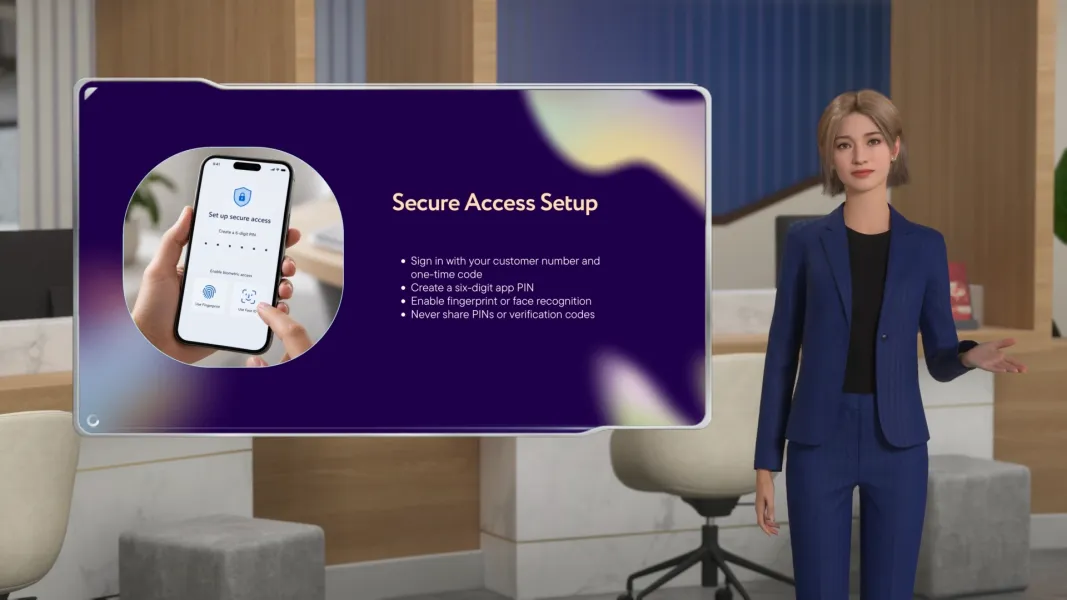
First, let’s talk about logging in. Open the SecureBank website or mobile app, enter your username and password, and complete any two-factor authentication prompts. Make sure you’re using a secure network and never share your credentials with anyone.
Once logged in, you can manage your accounts. View balances, download statements, and update personal information. The platform is designed to make navigation simple, so all your accounts are just a few clicks or taps away.
For transactions, select the account, enter the recipient details, and choose the amount. Confirm the transaction using your security code or biometric verification. You can also schedule recurring payments and track transaction history easily, thanks to the technology built into the platform.
With these simple steps, online banking becomes safe, easy, and convenient. At SecureBank, we’re here to help you navigate your finances confidently using technology every day!
More

Start your 3D AI Avatar Video Generation Right Now