Product Setup Tutorial
For brands and tech companies guiding users through product installation, configuration, and setup procedures.
 Rendora Studio |
 2026-06-06 10:43:09
Video Script
Hello everyone! I’m your product specialist, and today I’ll guide you through the setup of the LumaGlow Smart LED Panel for safe installation and optimal performance.
First, make sure the power supply is switched off before starting. Unbox the panel carefully and confirm all components are included: the light unit, mounting bracket, screws, power adapter, and user manual.
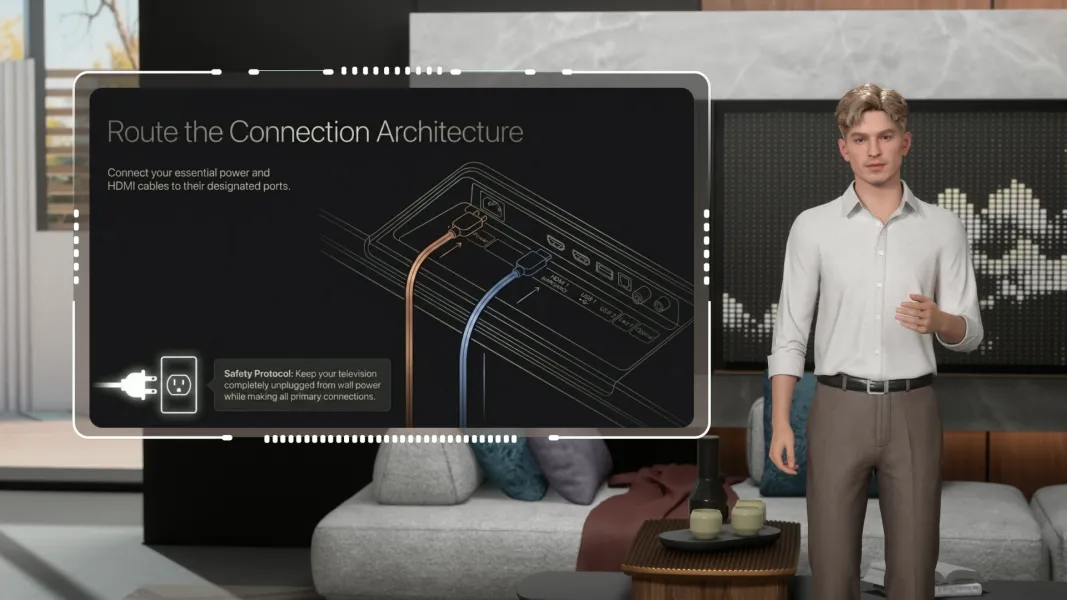
Next, attach the mounting bracket securely to the wall or ceiling, then connect the panel to the power source according to the labeled wiring instructions.
Once installed, switch the power back on and test the light. If your model includes smart controls, download the LumaGlow App to connect via Wi-Fi and customize brightness, color temperature, and schedules.
For best performance, install the panel in a dry, ventilated area and avoid covering the light surface. Always follow safety guidelines, and if wiring assistance is needed, consult a qualified electrician.
More




Start your 3D AI Avatar Video Generation Right Now