Installation Manual
For brands and technicians explaining product installation steps and setup instructions.
 Rendora Studio |
 2026-04-28 09:07:00
Video Script
Hello and welcome! Let’s set up your new TV step by step so you can get it running quickly and easily.
First, gather the tools you’ll need. A screwdriver and measuring tape are commonly required, and it’s always a good idea to check your TV manual for any additional items specific to your model.
Next, choose a clean, spacious area where you can safely place your TV and organize all the parts.
Once you’re ready, begin by attaching the stand securely using the screws provided. Make sure each piece is aligned properly and tightened firmly—but be careful not to overtighten.
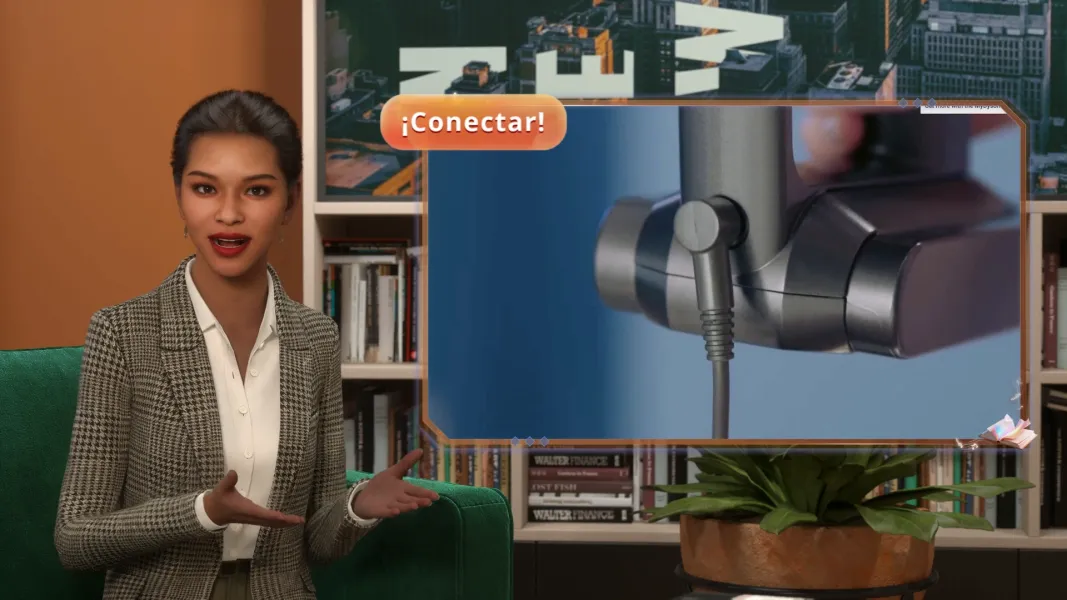
After that, connect your essential cables, such as the power cord and any HDMI cables, to the correct ports. For safety, always keep your TV unplugged while making these connections.
Once everything is in place, carefully lift your TV upright and position it where you’d like it. Then, insert the batteries into your remote, power on the TV, and test that everything is working properly.
Thanks for watching, and stay tuned for more helpful setup tips in our next video.
More






Start your 3D AI Avatar Video Generation Right Now